








The notice from the hosting company was short: a website on our server was being used for phishing. Fix it, and tell us what you did. Taking down the reported link was the easy part. It turned out to be the smallest part of the problem. We have removed the client’s details from this story.
What we found
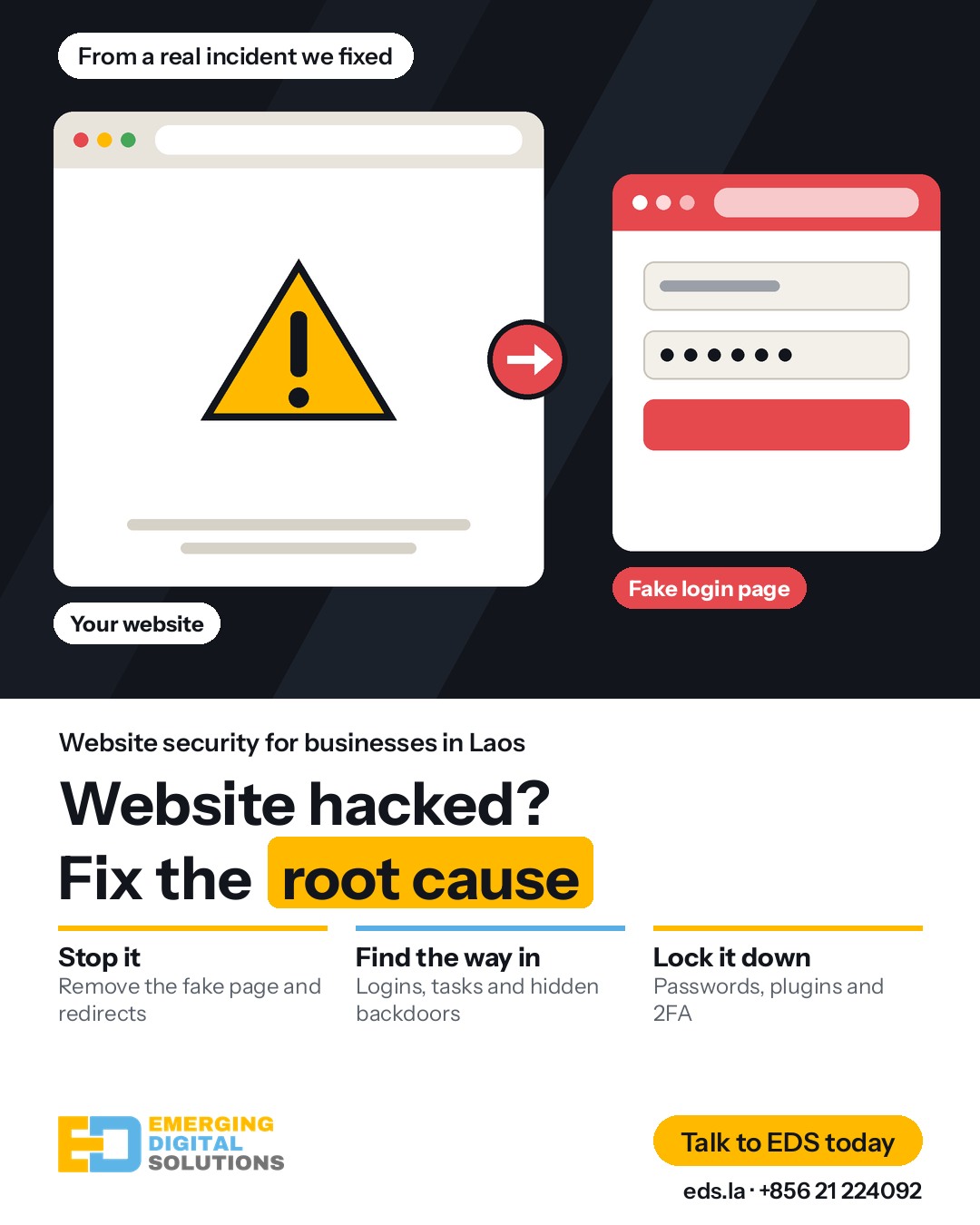
Phishing means tricking people into giving away passwords or other private details, often on a page that looks like a trusted brand. The reported link was only a small redirect file that sent visitors to a phishing site pretending to be Microsoft. When we looked further, we found much more:
- The homepage had been replaced. For about nine hours, everyone who visited the website was sent to the phishing site, not only people who had the reported link.
- The attacker logged in with a real password. The logs showed the hosting control panel being opened with a valid password. Files were then added through its normal file manager.
- A hidden task ran every minute. It tried to download and run code from another server. It had been there for about a year, long before anyone saw a problem.
- Old backdoors were still there. A backdoor is a hidden way back into a website. Some had ordinary-looking names. One file ending in .png was really program code.
- Risky plugins were still installed. WordPress.org had permanently closed one for a security issue. Two paid plugins were old copies with no license, so they could not be updated.
Why deleting the page is not enough
If we had only deleted the reported page, the website would have looked fixed. But the attacker would still have had the password, the hidden task and the backdoors. They could have come back at any time, and the same report could have come back with them.
That is why a cleanup has two jobs: remove what is visible, then find and close the way in.
What to do first
If your hosting company or a customer reports a problem, work in this order:
- Keep a copy first. Back up the files, database and logs, and store them outside the public website folder. They show how the attacker got in.
- Stop the harm. Remove the redirects and fake pages, and restore clean files.
- Change the hosting password. Do this early, and turn on two-factor authentication (2FA). Until you do, the attacker may still be able to log in.
- Check scheduled tasks. Look for cron jobs you do not recognize. They can put malware straight back.
- Read the login history. Check the control panel, FTP and SSH logs for logins you cannot explain.
- Look for hidden files. Compare WordPress and plugin files with the official versions. Look for code inside images and in files with odd names.
- Check users and content. Look for unknown admin accounts and for scripts added to pages or settings.
- Change every other password. That includes the database, all WordPress users and any API keys the website stores.
- Fix or remove risky plugins. Update what you can, and remove what can no longer be updated. Test your important pages after each change.
- Reply to your hosting company. Say what happened and what you did. Keep the evidence in case they ask for more.
Signs of a hacked website
- Visitors, especially on mobile, are sent to another website
- Your browser or Google shows a security warning
- Your hosting company sends an abuse or phishing notice
- You see admin users, files or scheduled tasks you did not add
- Customers report emails or pages you did not send or create
- The website suddenly becomes slow, or strange pages appear in Google
A website can also look completely normal. In this case, the hidden task ran for about a year without anyone noticing.
How to lower the risk
- Use a different, strong password for hosting, email and WordPress, and turn on 2FA
- Keep WordPress, themes and plugins updated
- Remove plugins you do not use or can no longer update
- Keep backups away from the website server, and test that they restore
- Check logins and scheduled tasks regularly
- Make sure someone reads the contact email your hosting company uses
None of this makes a website impossible to hack. It makes an attack harder, and helps you catch one sooner.
Common questions
Can I just restore an old backup?
A backup can help, but it may already contain the backdoor. It also does not change a stolen password. Find the way in as well.
Will my website be suspended?
It depends on your hosting company, but abuse reports can lead to suspension if they are ignored. Act quickly and reply with what you did.
Do you help with websites EDS did not build?
Yes, for WordPress websites. We check your current set-up first, then tell you what it needs.
Can you promise it will never happen again?
No one can honestly promise that. Good passwords, updates, backups and regular checks make it far less likely.
Think your website has been hacked, or received a notice from your hosting company? Talk to an expert at EDS. To keep your website updated and backed up every month, see our Website Care plans.


